


VACDRA
VACDRA Mini | Pocket Vacuum Cleaner
VACDRA Mini | Pocket Vacuum Cleaner
The 2-in-1 vacuum & air duster for desk, keyboard and car.
Couldn't load pickup availability

Delivery estimate for the Netherlands
Order within
- 14-day returns
- 6-month warranty
- Secure checkout
Product Features
Product Features
Compact Power, Effortless Cleaning
The VACDRA Mini delivers powerful suction in a sleek, minimalist design, built to handle everyday messes at home, in your car, or at the office.
Dual-Speed Performance
Switch between standard and turbo modes to tackle everything from light dust to stubborn debris with precision.
Cordless Freedom
Recharge easily with USB-C and enjoy smooth, uninterrupted cleaning anywhere. No cords, no limits.
Lightweight & Portable
Designed for comfort and convenience, it fits perfectly in your hand and travels effortlessly wherever you go.
Versatile Attachments
Multiple nozzles help you reach corners, keyboards, seats, and tight spots with ease.
Low Noise
About 65 dB on the standard setting, similar to a normal conversation, so VACDRA keeps your space clean without breaking your focus.
Easy to Maintain
Detach, empty and rinse the debris cup in seconds.
How to Use
How to Use
Using your VACDRA cleaner is simple and efficient:
- Charge:
Use the included USB Type-C cable to fully charge the device.
(If unused for a long time, recharge it every three months to protect the battery.) - Attach a Nozzle:
Choose and connect the nozzle that best fits your cleaning task. - Power On:
Press and hold the power button for 2 seconds to turn it on.
Press again to activate high-power mode, and press once more to turn it off. - Clean:
Glide the vacuum over surfaces to remove dust, crumbs, and debris. - Empty & Maintain:
Detach and empty the debris cup after each use. Rinse the cup and filter with water if needed, and let them dry completely before the next use
User manual (PDF, EN/NL)
Brand: VACDRA
Website: www.vacdra.com
Support: support@vacdra.com
Technical Specifications
Technical Specifications
Model: VACDRA Mini
Material: High-grade ABS + electronic components
Motor type: Brush motor
Net weight: 130 g (without accessories)
Size: Ø 50 × 105 mm
Charging port: USB Type-C
Input: DC 5V ≤ 2A
Charging time: About 2 hours
Battery: 1,200 mAh (2 × 600 mAh, 3.7 V)
Power: max 30 W
Suction: 1st speed ≈ 2 kPa, 2nd speed ≈ 4 kPa
Working time: 1st speed ≈ 17 minutes, 2nd speed ≈ 11 minutes
Noise level: ≤ 65 dB (low) / ≤ 75 dB (high)
Debris cup capacity: ≈ 30 mL
Use: For dry debris only
Delivery & returns
Delivery & returns
Dispatch: within 1 to 2 business days.
Delivery: Netherlands & Belgium usually 1 to 2 business days in total; Germany, Luxembourg and the rest of the EU 3 to 5 business days; United States varies with customs.
Free delivery on 2 or more items to NL, BE, DE and LU. You receive a tracking number as soon as your order ships.
Returns: 14 days to change your mind. See our refund policy. Questions: support@vacdra.com


VACDRA mini Pocket Vacuum Cleaner User Manual
Use this guide to set up and care for your VACDRA mini pocket vacuum cleaner and air duster. Download the English or Dutch PDF below for charging, attachments and troubleshooting.
📱 Handleiding – telefoonversie 🇳🇱
📱 User manual – phone version 🇬🇧
💻 User manual – laptop / print ( NL/ EN )🇳🇱🇬🇧
2-in-1 Pocket Vacuum Cleaner & Air Duster
Product Overview
- Power Button
- Debris Cup
- Filter
- USB-C Charging Port
- Multiple Nozzles (Vacuum + Blow)
Included accessories:
- 6 nozzles (vacuum + blow)
- Cleaning brush
- USB-C charging cable
- Storage bag
Quick Start
- Charge the device fully before first use.
- Select the required nozzle and attach firmly.
- Press and hold the power button for 2 seconds to turn on.
- After use, empty the debris cup and clean the filter.
Using the Device
Vacuum Mode
- Use wide nozzle for surfaces.
- Use narrow nozzle for corners and keyboards.
- Use brush nozzle for delicate areas.
Air Duster Mode
- Attach blow nozzle.
- Use short bursts to remove dust from electronics and gaps.
Button operation:
- Press and hold for 2 seconds: ON (1st speed)
- Short press: 2nd speed
- Press a third time: OFF
Charging
- Charge via USB-C.
- Charging indicator lights during charging.
- Full charge approx. 2 hours.
Cleaning & Maintenance
- Turn off before cleaning.
- Remove the debris cup and empty its contents.
- Clean filter regularly.
- Make sure filter is completely dry before reinstalling.
- Do not operate without filter.
Specifications
- Input: 5V / 2A
- Battery: 1,200 mAh (2 × 600 mAh)
- Working Time: 1st speed - 17 minutes, 2nd speed 11 minutes
- Charging Time: 2 hours
Troubleshooting
- Cannot power on: To prevent accidental switching, hold the power button for 2 seconds.
- Does not start, indicator flashes: The battery is low. Charge first, then try again.
- Abnormal noise after switching on: The filter may be missing or a foreign object was sucked in. Switch off immediately, remove the object and replace the filter.
- Switches off suddenly during use: Check whether the debris cup is full and whether the filter or nozzle is blocked.
- Switches off and flashes 5 times: The battery is low. Please charge in time.
- Indicator does not light while charging: Check that the adapter is powered and the charging cable is plugged in firmly.
- Charging takes too long: Use a 5V / 2A power adapter.
Safety Instructions
- Strictly prohibited near flammable or explosive liquids or gases (e.g. petrol stations).
- The filter must be installed before using the product.
- Switch the product off before removing or installing the filter.
- Check the filter for damage before each use.
- If the filter is visibly dirty, clean it in time.
- Do not suck up sharp or hot objects (such as glass or embers).
- Do not suck up any liquid (such as water or drinks).
- Non-professionals may not open, repair or modify the internal circuit.
- Avoid rain, hot objects and direct sunlight.
- Keep away from children.
- Do not immerse in water.
- Do not block the air inlet/outlet.
- Use only original accessories.
Need help?
Email us at support@vacdra.com and include your order number.
How to Empty the Debris Cup
Care for your VACDRA mini pocket vacuum cleaner with this illustrated debris cup and filter guide. Switch the device off before removing any attachment.
Emptying the debris cup after each use helps maintain your VACDRA Mini’s suction. It only takes a minute.
Step 1: Power off
Press the power button to switch off the VACDRA Mini before you start.

Step 2: Pull the nozzle out
Pull the nozzle straight up and off the top of the device.

Step 3: Unlock the debris cup
Turn the transparent debris cup in the unlocking direction shown on the device and in the user manual. Do not force it.

Step 4: Lift the cup off
Tip: turn the device upside down before you open the cup, so the debris does not pour out.

Step 5: Empty the cup into a bin
Turn the cup over a bin and empty the debris in a bin.

Step 6: Brush the filter clean
Use the separate cleaning brush to gently remove dry debris from the filter.

Put it back together
Place the cup back on the body and turn it in the marked locking direction until secure. Then push the nozzle back in.
Tips
- Empty the debris cup after every use for the best suction.
- If the cup or the filter is very dirty, you can rinse them with water. Let them dry completely before you put them back, and never refit a wet filter.
- If the suction feels weak, empty the cup and clean the filter first.
- Never run the VACDRA Mini without its filter.
- The VACDRA Mini is for dry debris only. Do not vacuum liquids and do not immerse the device in water. Only the debris cup and the filter can be rinsed.
Need help?
Email us at support@vacdra.com and include your order number.
Is a pocket vacuum right for your cleanup?
Choose the Mini for small, dry messes
Use the cordless 130 g Mini for accessible keyboard crumbs, desk dust and small car-console cleanups. Its 30 mL cup is designed for quick touch-ups.
Choose a larger vacuum for deep cleaning
Use a larger vacuum for carpets, floor mats, upholstery or large amounts of debris. The Mini is for dry debris only: never collect liquids, hot ash or sharp objects.
Choose an attachment and see how to use it
Buy with complete confidence
-
Free delivery
On 2 or more items to NL, BE, DE & LU.
-
14-day returns
Changed your mind? Send it back.
-
6-month warranty
On top of your legal 2-year guarantee.
-
Secure checkout
iDEAL, PayPal, Klarna and cards.
Fijn apparaat, het werkt goed.
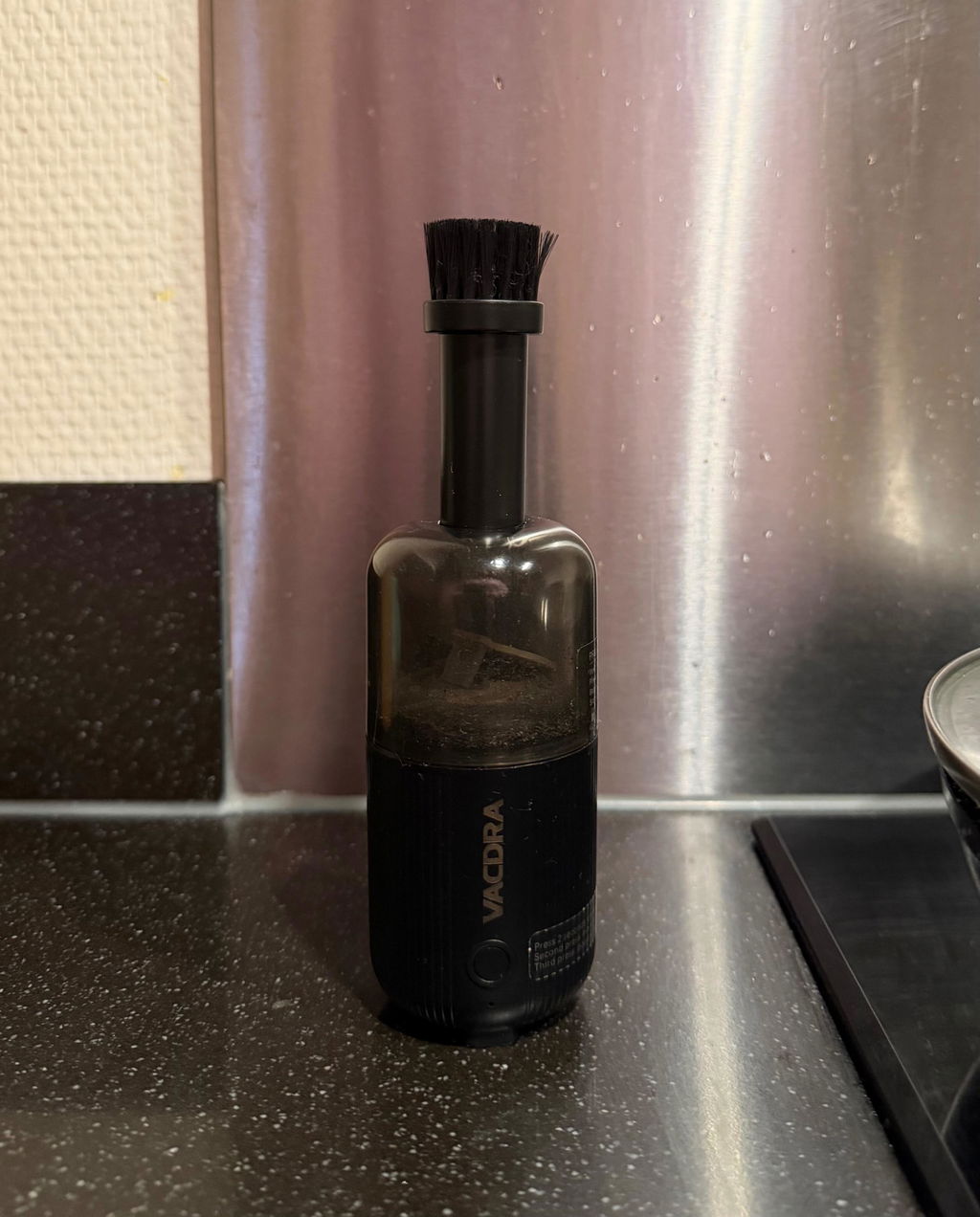
Surprisingly Powerful for Its Size! honestly didn’t expect this much power from such a small device. good work 👍 5/5
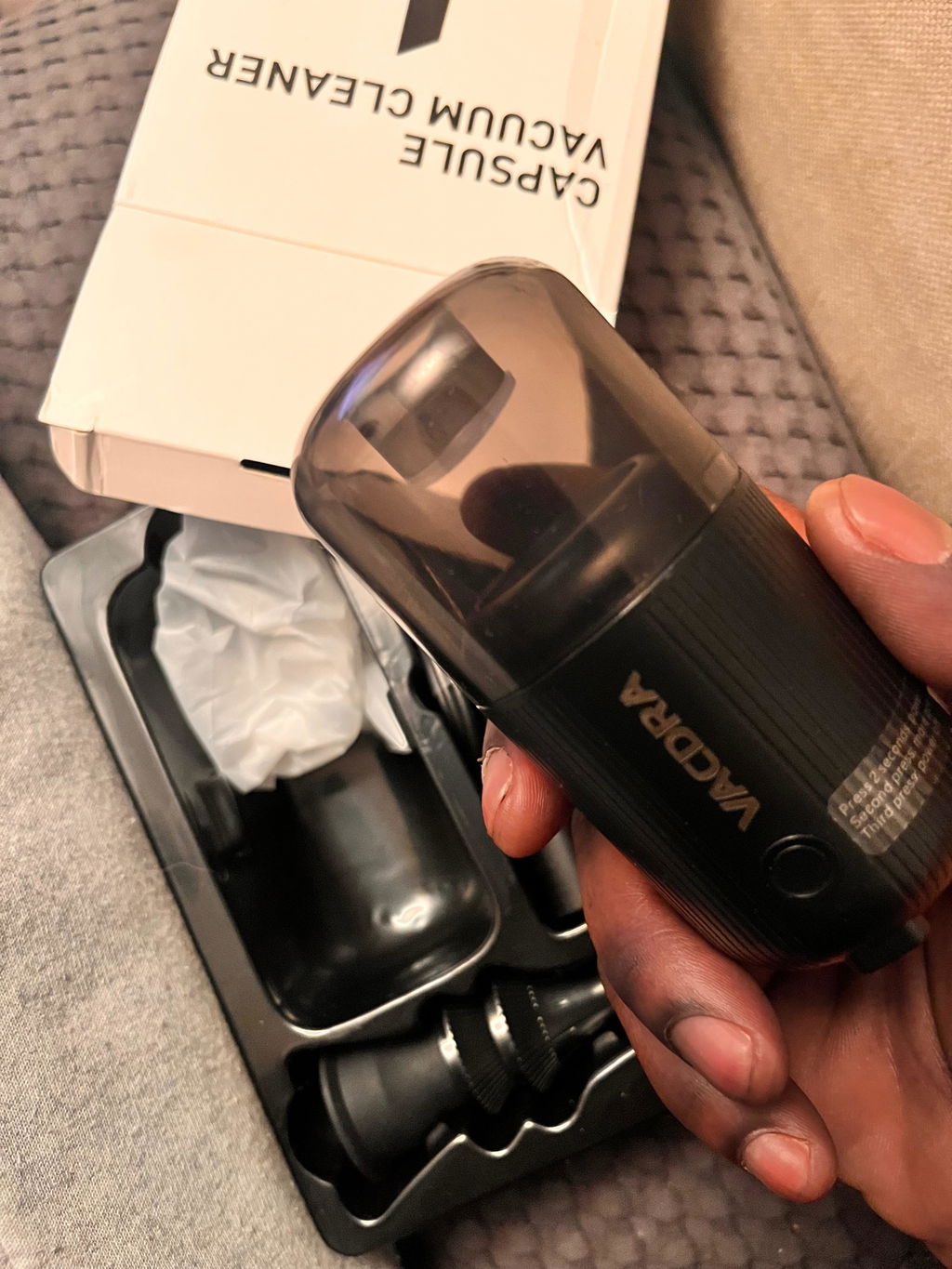
Cuteee💕just got one for my car!
It looks cuter than I thought, very powerful
Works well for cleaning the inside of my camera

Made for the details
Gone in a single pass.
Coffee grounds, crumbs between the keys, dust in the corners. Two speeds of focused suction lift it all quietly, in seconds, and the clear cup shows exactly what you’ve collected.

In the box
Every nozzle. One pouch. Ready to go.
- VACDRA Mini 2-in-1
- A set of nozzles and brushes for tight corners
- USB-C charging cable
- Soft travel pouch
- User manual (EN/NL)

EMC Test Report (Summary)

EU Declaration of Conformity

RoHS Compliance Report

IEC CB Test: Battery Safety

